
Alfred
更新: 10/28/2025 字数: 0 字 时长: 0 分钟
Alfred 是 macOS 上一款强大的生产力工具,允许用户通过快捷键快速启动应用程序、搜索文件、执行系统命令等。它可以极大地提高工作效率,尤其适合开发者和需要频繁切换任务的用户。
安装不做赘述,这里介绍下让 Alfred 更好用的配置以及工作流。
1.配置
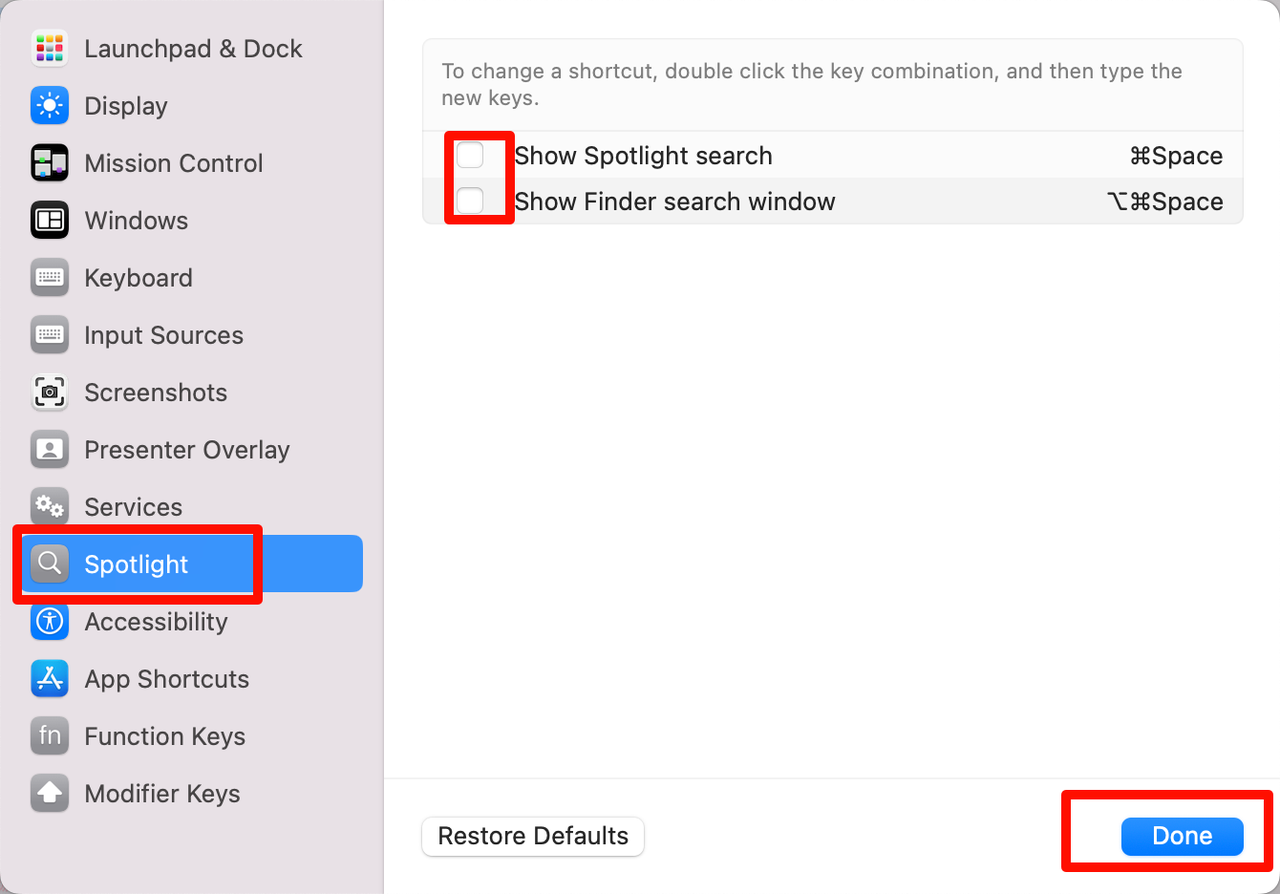
关闭 mac 自带的聚焦搜索:设置->键盘->键盘快捷键
Alfred 热键设置为
Command + Space,并启用Launch Alfred at login。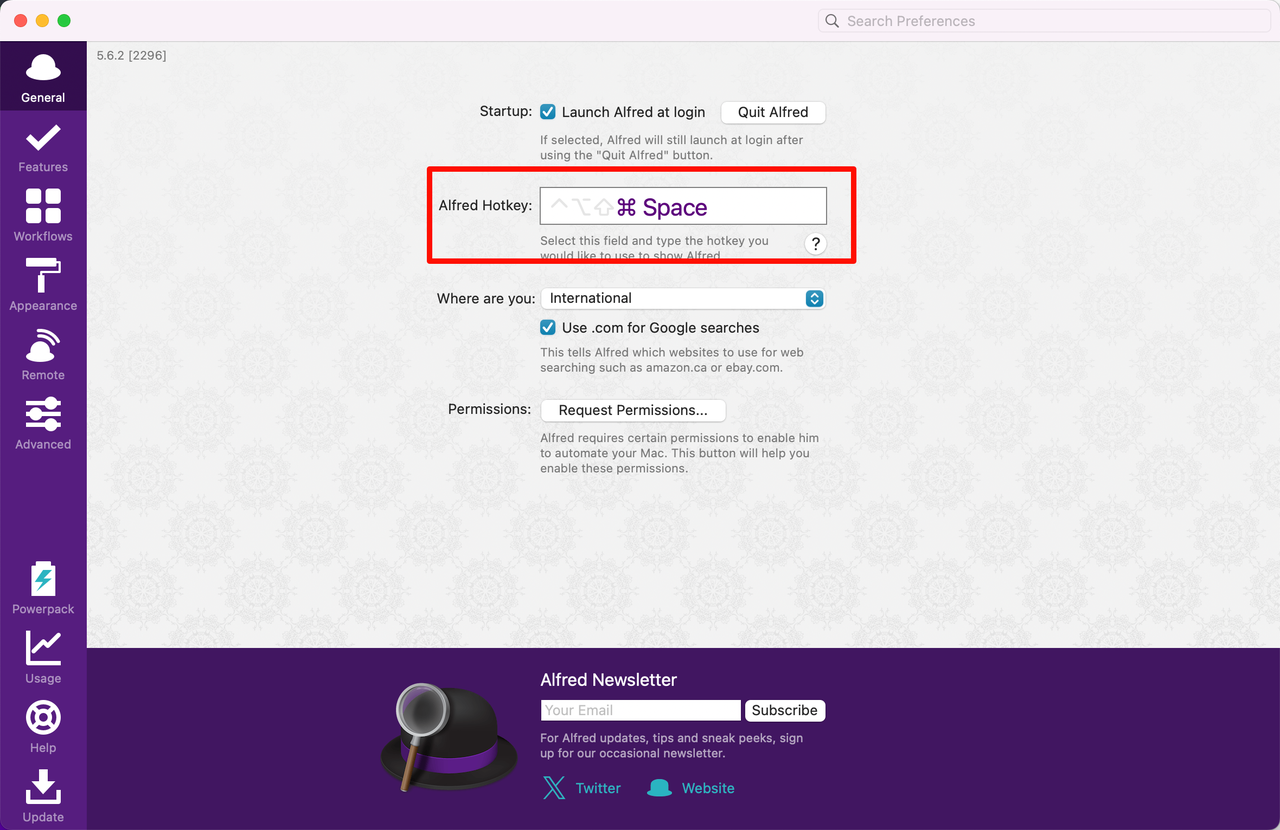
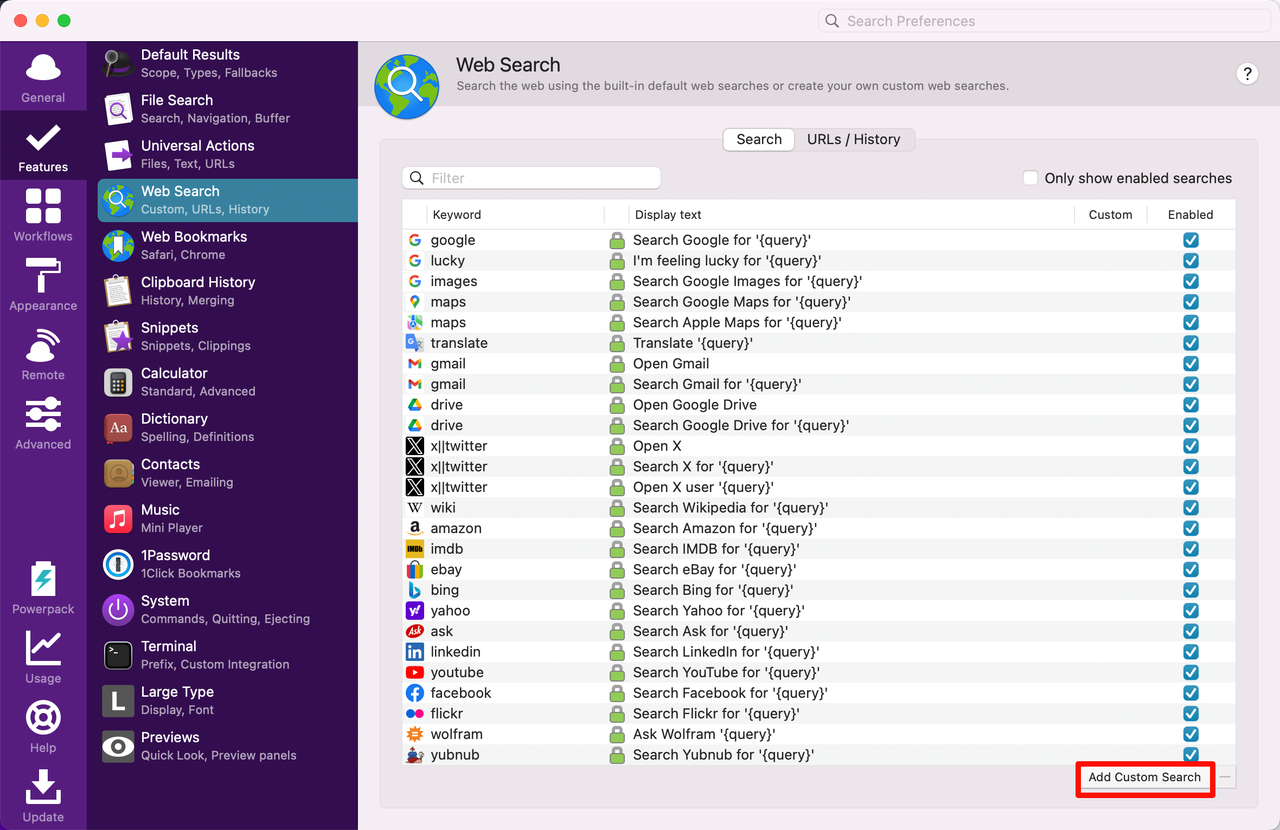
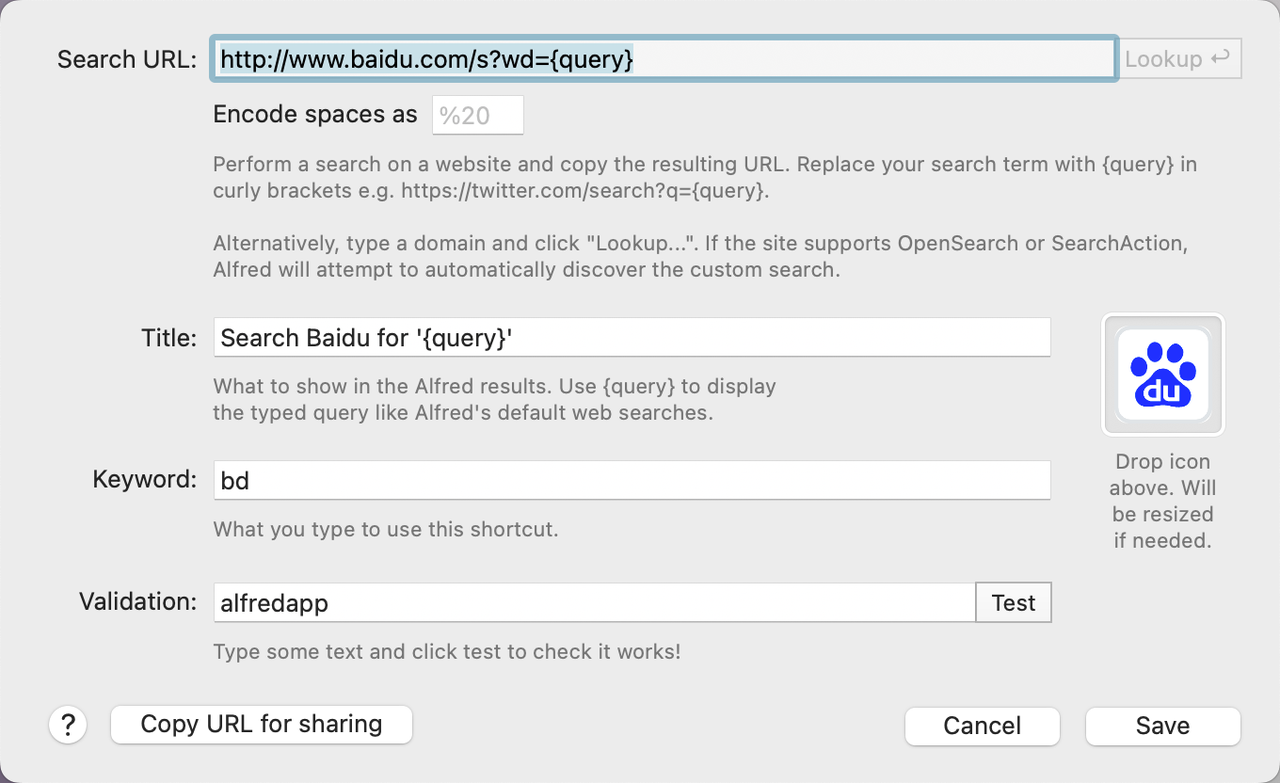
添加自定义搜索引擎,这里以百度为例:
 plaintext
http://www.baidu.com/s?wd={query} Search Baidu for '{query}' https://www.iconfont.cn/search/index?searchType=icon&q=%E7%99%BE%E5%BA%A6&page=1&fills=1logo 可以在阿里巴巴矢量图标库搜索下载。
设置搜索无结果时,追加使用使用百度搜索:
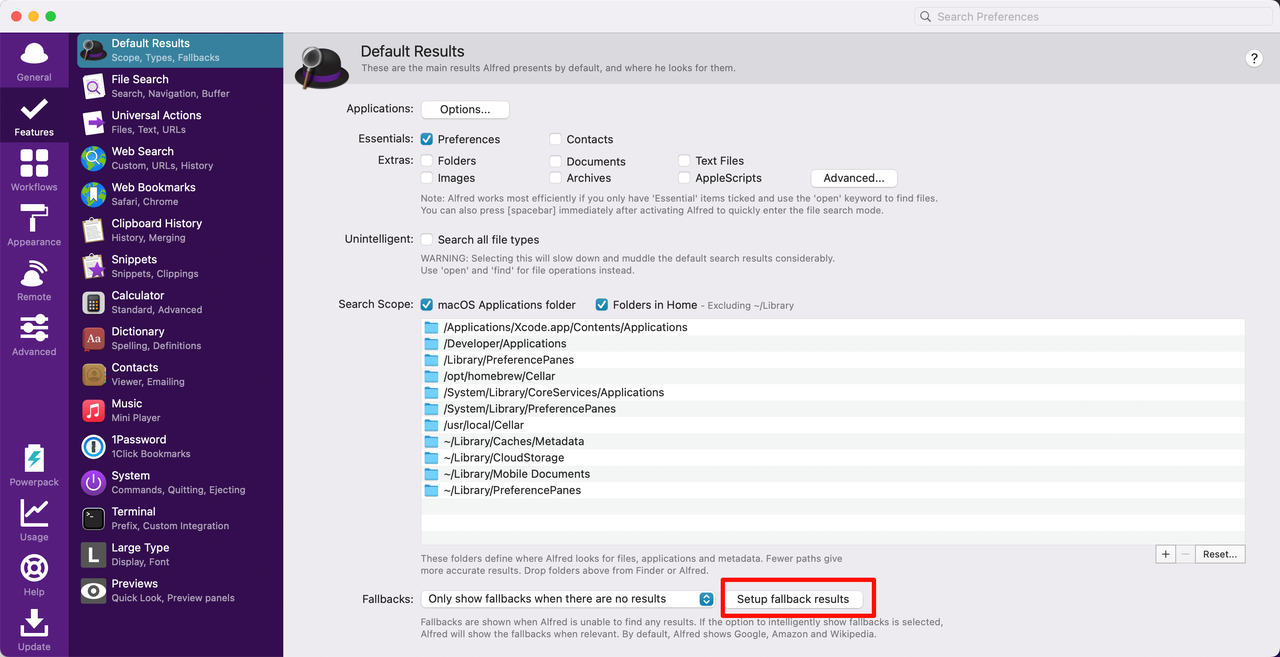
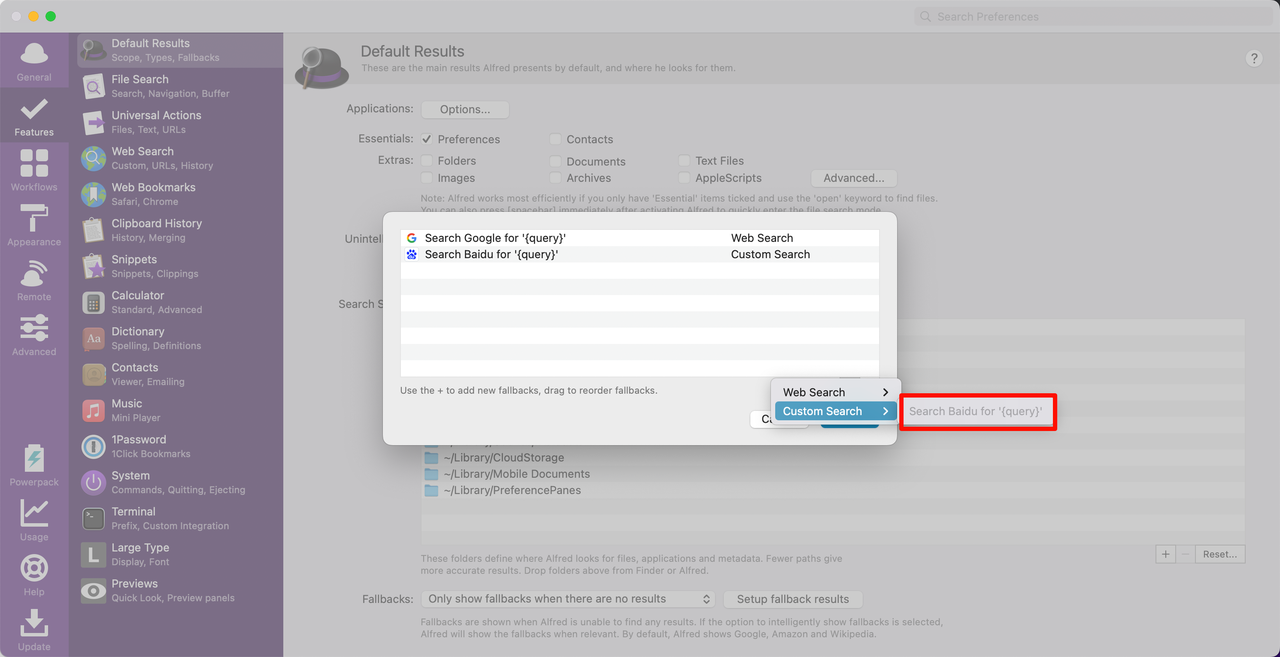
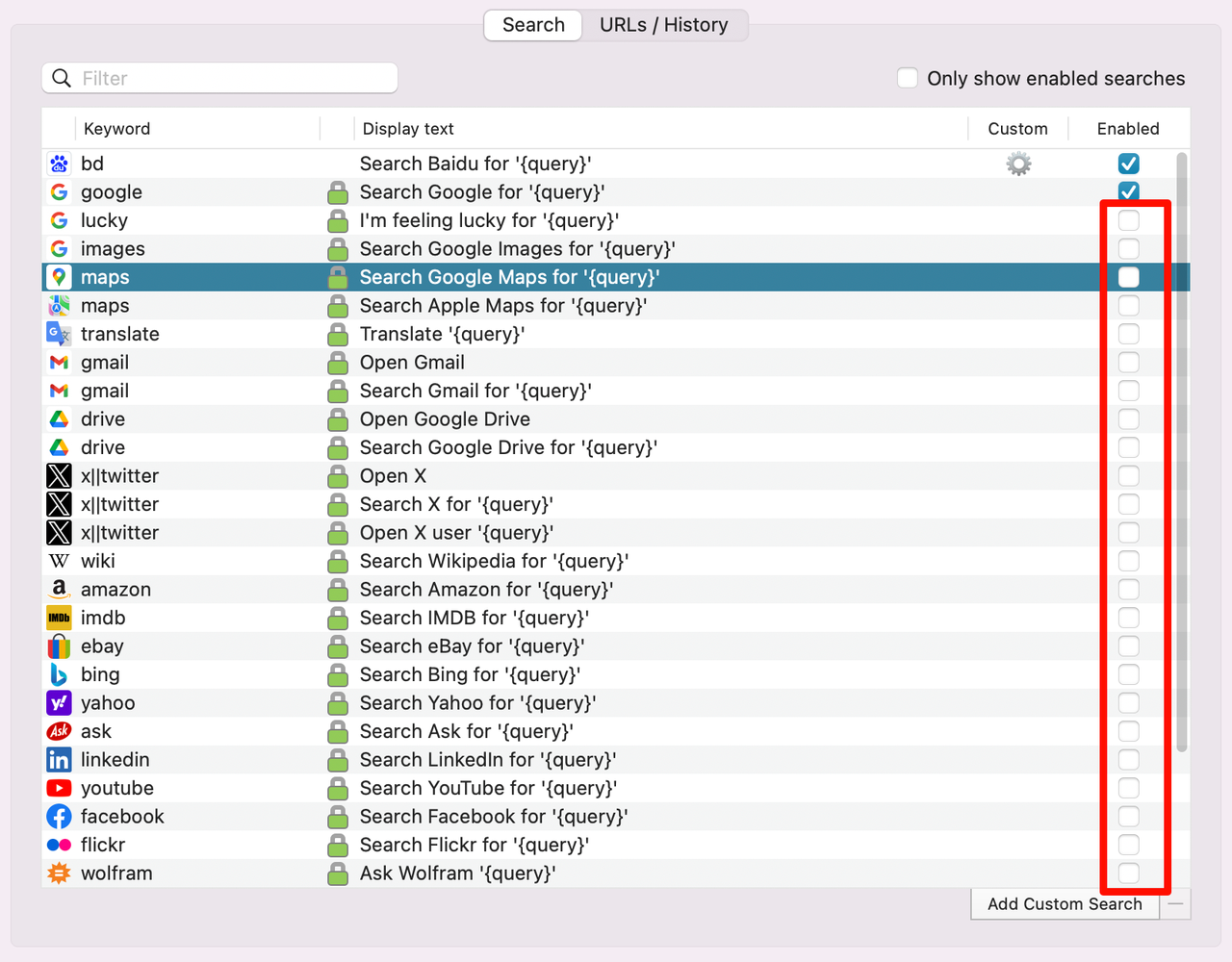
关闭其他不必要的搜索源
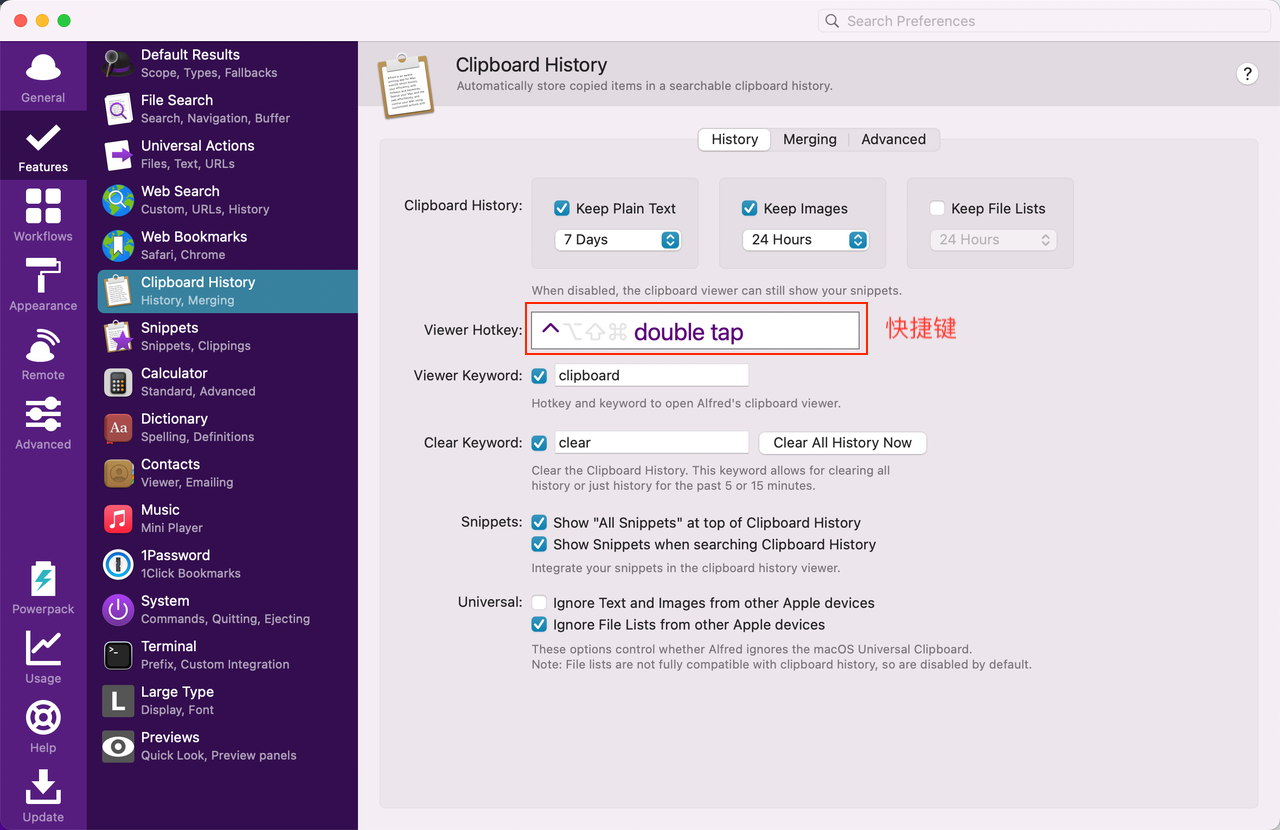
修改剪贴板快捷键以及历史记录保存时间
设置终端命令为
iTerm2。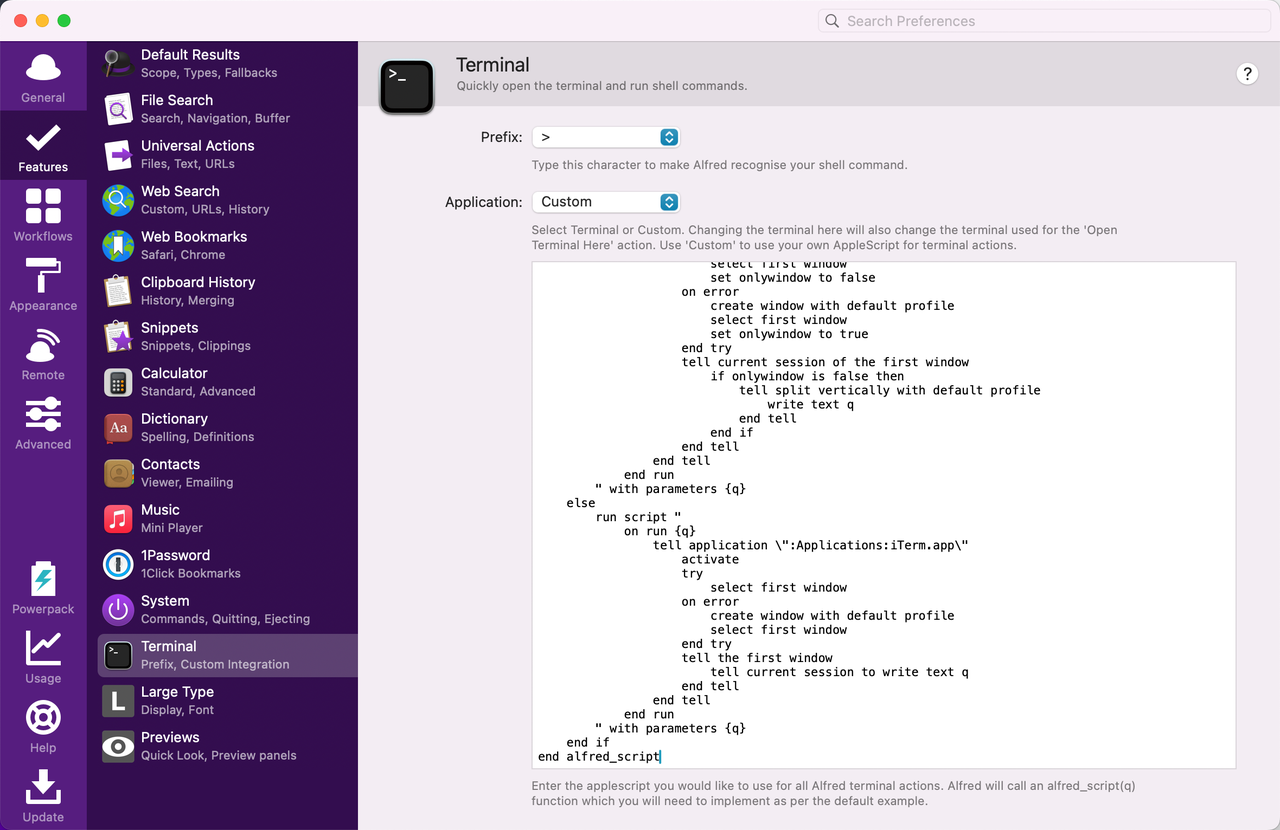 shell
shellon alfred_script(q) if application "iTerm2" is running or application "iTerm" is running then run script " on run {q} tell application \":Applications:iTerm.app\" activate try select first window set onlywindow to false on error create window with default profile select first window set onlywindow to true end try tell current session of the first window if onlywindow is false then tell split vertically with default profile write text q end tell end if end tell end tell end run " with parameters {q} else run script " on run {q} tell application \":Applications:iTerm.app\" activate try select first window on error create window with default profile select first window end try tell the first window tell current session to write text q end tell end tell end run " with parameters {q} end if end alfred_script关闭多余的显示动作快捷键:
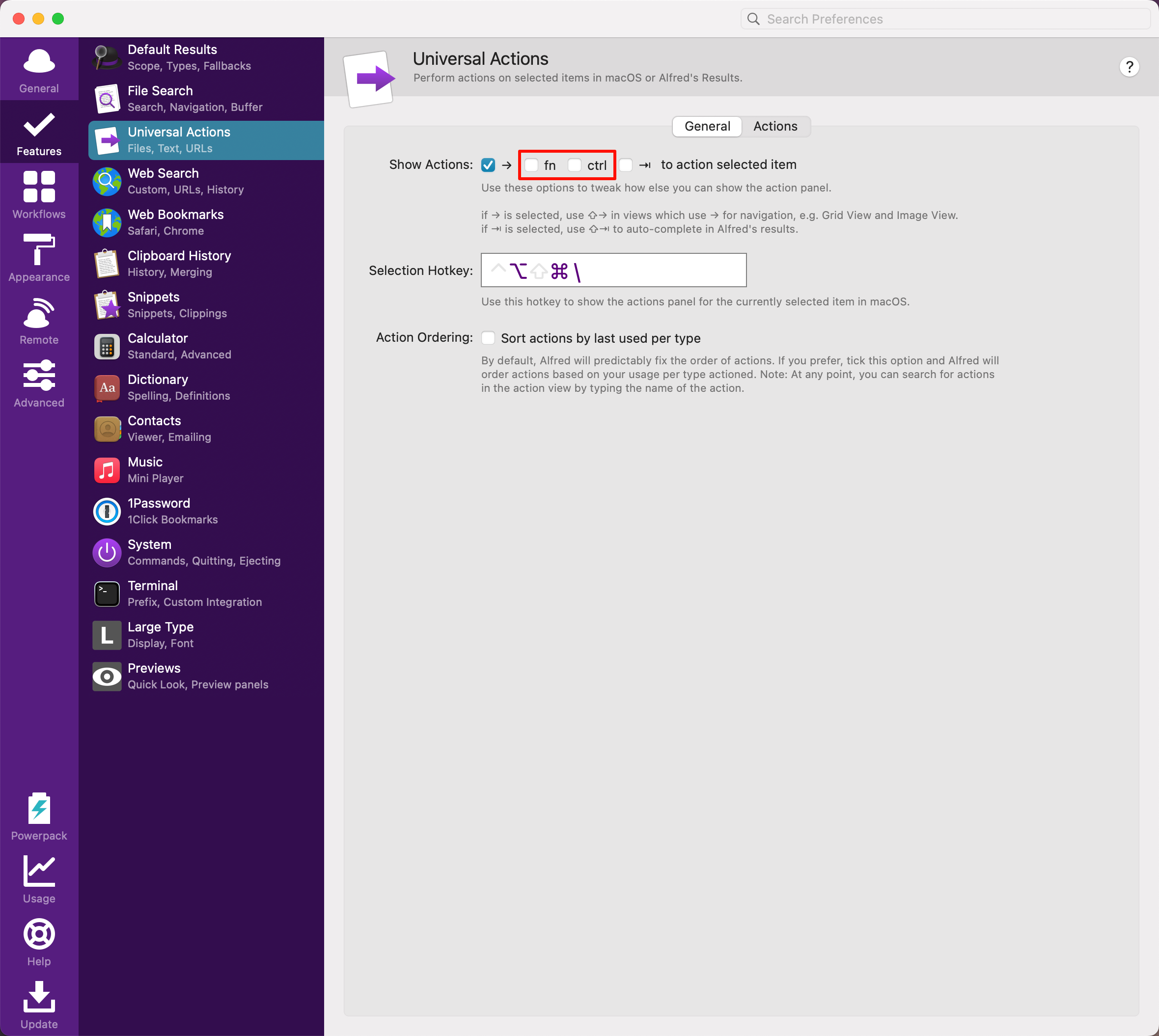
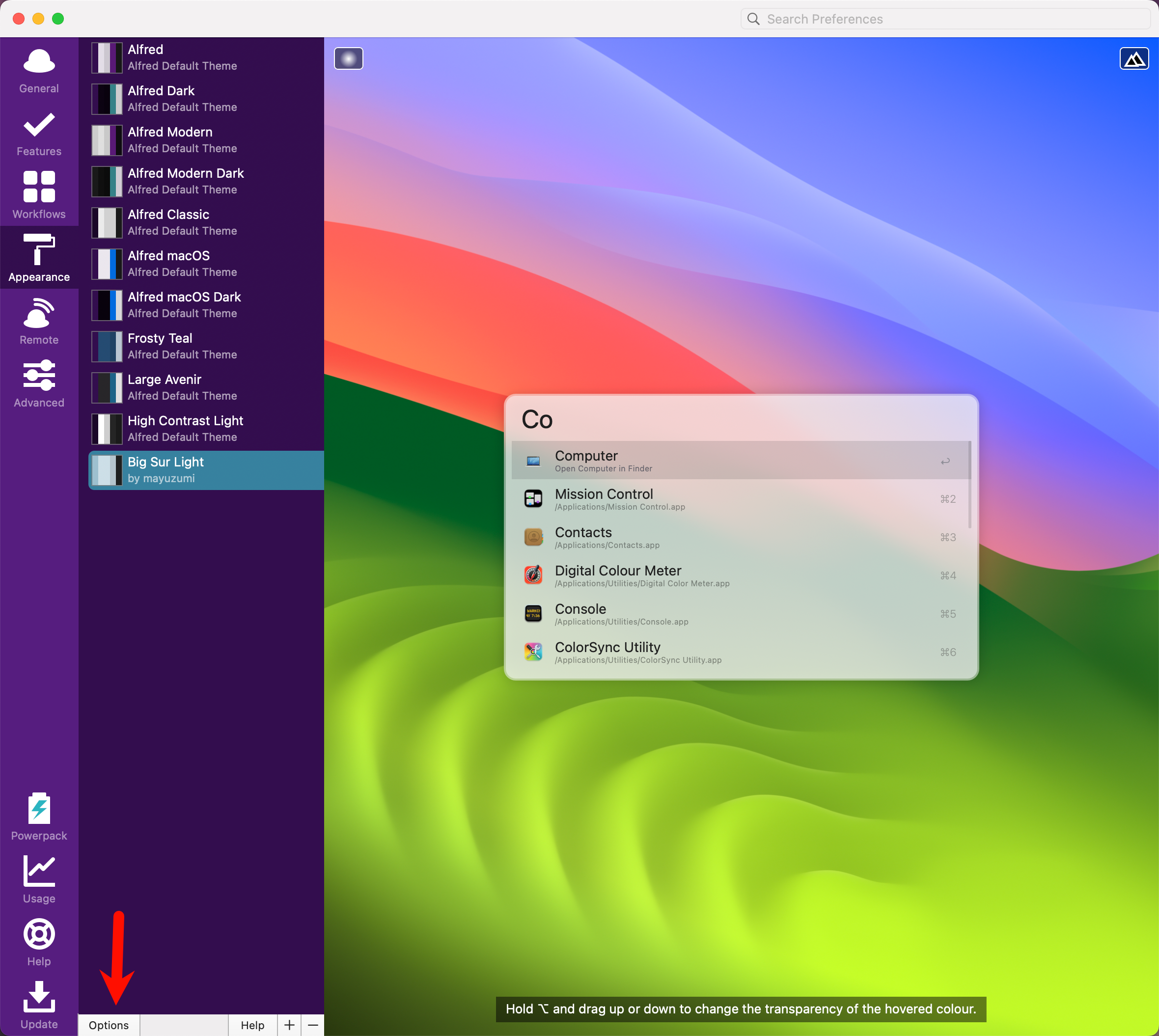
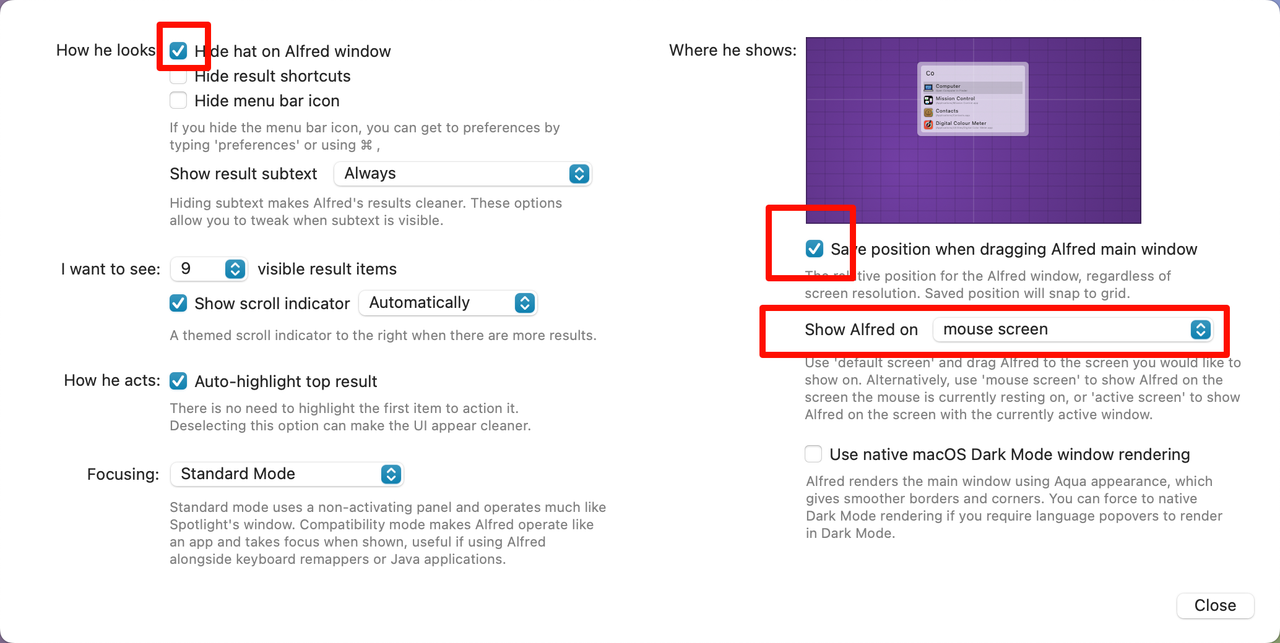
从官网下载主题,双击打开即可导入,并根据个人喜好调整其余设置。
2.工作流
可以访问此仓库下载我整理的一些常用工作流,直接双击打开即可导入 Alfred。
注意:
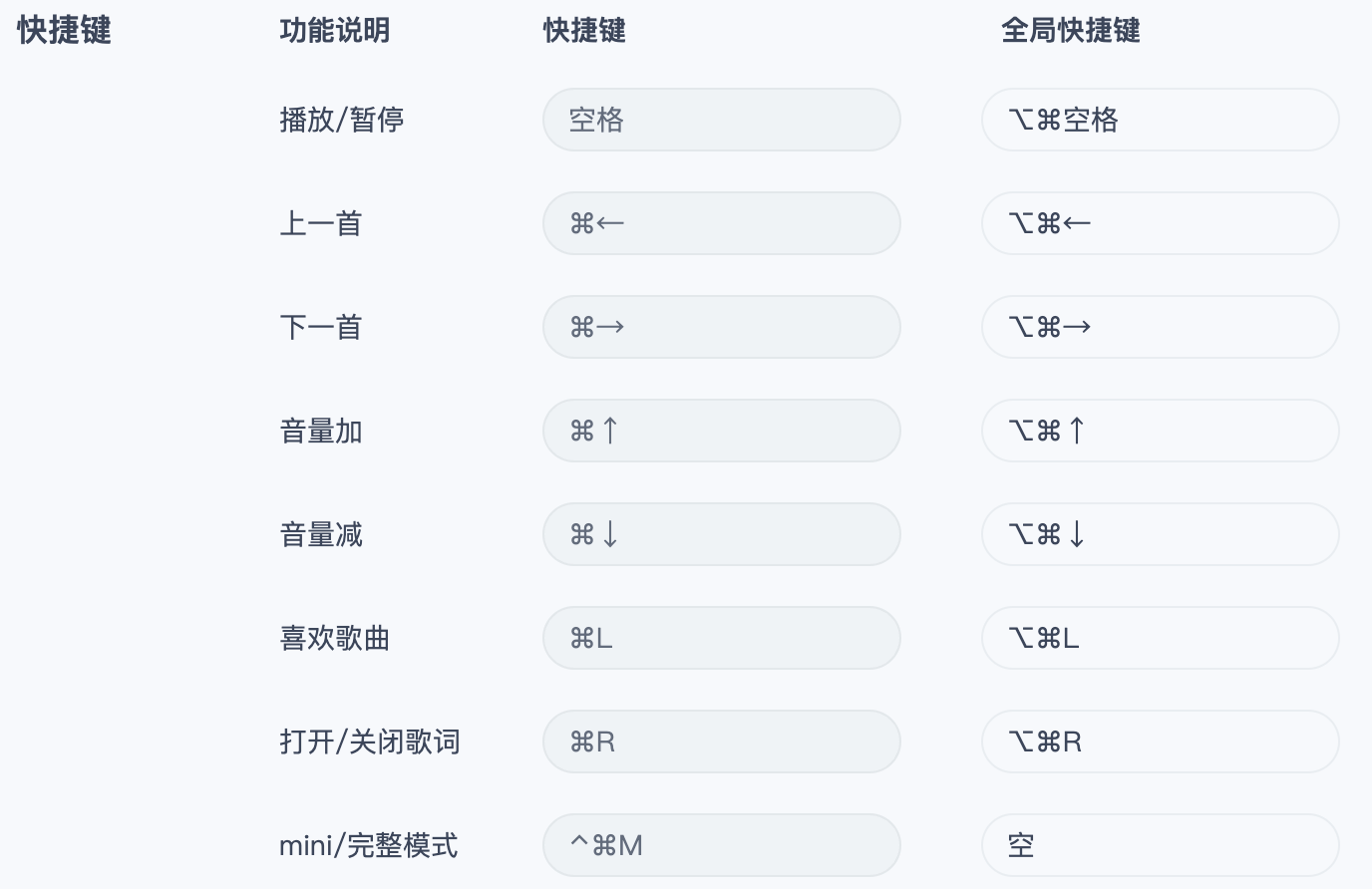
网易云音乐插件需要配置快捷键:
JetBrains 插件需要各个 IDE 创建好终端命令。